What you will achieve
- Complete the basic workflow with the Free plan.
- Recognize optional Pro tools without confusing them with the basic calculation.
Before you start
- Prepare a pressurized-network INP to follow the tutorial.
- The FREE badge identifies the Free plan.
01
Start with a complete task
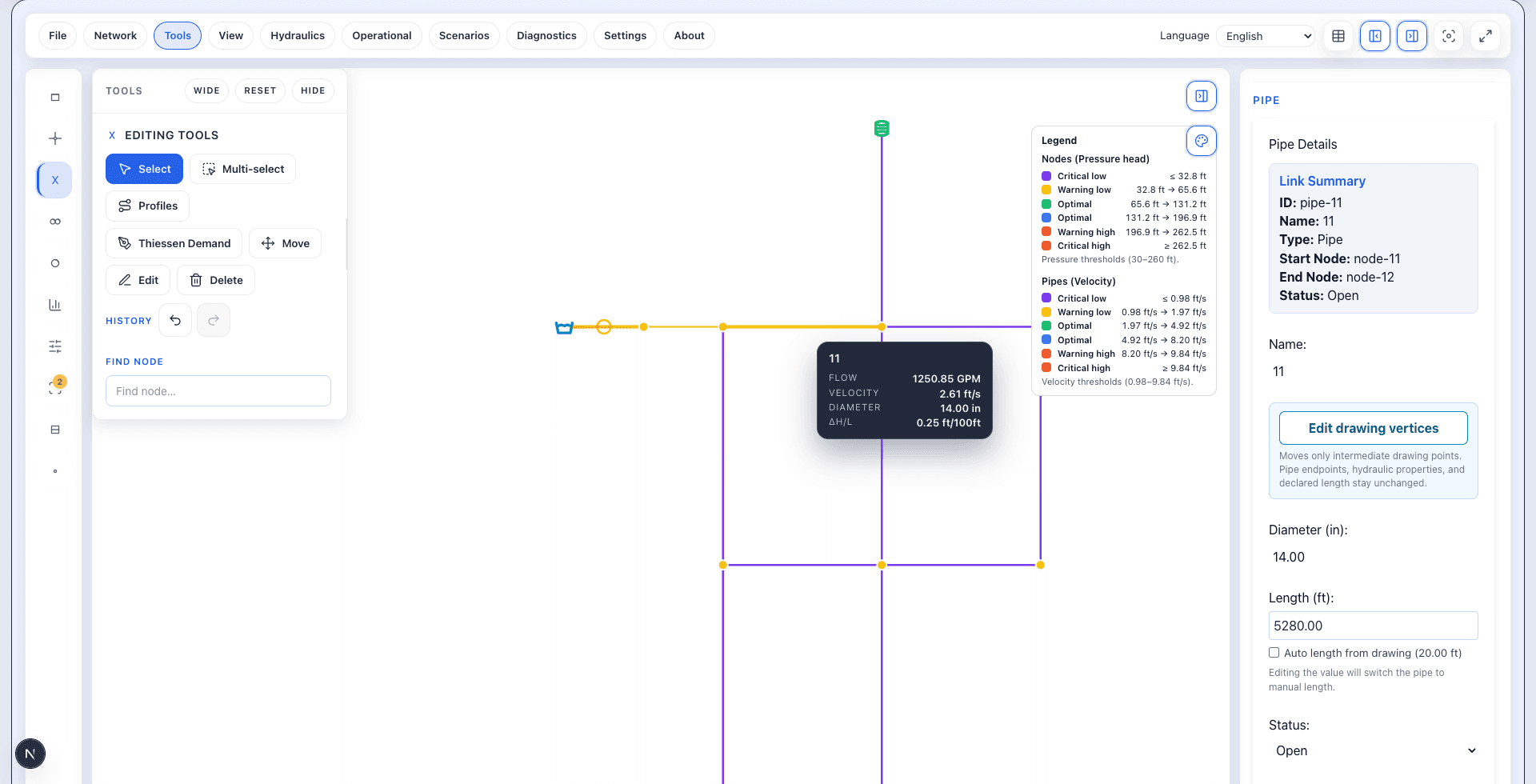
The Free plan lets you import an EPANET INP file, run a steady-state calculation, and review pressure, flow, and velocity. You can follow the starting workflow without activating Pro.
- Load your file with Import EPANET.
- Run the steady-state calculation.
- Read the legend and select elements to inspect their values.
02
Pro applies to specific actions
Upgrade opens additional options. Its presence does not mean that every menu action needs a subscription.
- GA optimization is a Pro tool.
- The documented workflow includes a Pro requirement for exporting networks with more than 100 nodes.
- Importing and calculating are different from exporting. Do not apply that export limit to the tutorial's import step.
03
Check the requirement for the action you need
This chapter describes the tested workflow and stated limits; it is not an exhaustive plan comparison. If a tool requests Pro, identify the action and review its requirements.
- Use Run Steady for your first calculation.
- Consult the plans page for the current offer; prices are not repeated in this guide.
Do it in WatDis
- Import the INP and follow the tutorial's steady-state calculation.
- Inspect a calculated pipe before exploring optional tools.
Common mistakes
Assuming everything needs Pro
The Upgrade button coexists with the basic Free workflow.
Confusing optimization with calculation
You do not need to start a GA optimization to obtain the first results.